Xbox Game Pass Core: Online Play and the Smaller Library
Learn what Xbox Game Pass Core includes, who benefits from online play and its curated library, and when a higher tier may be worth it.
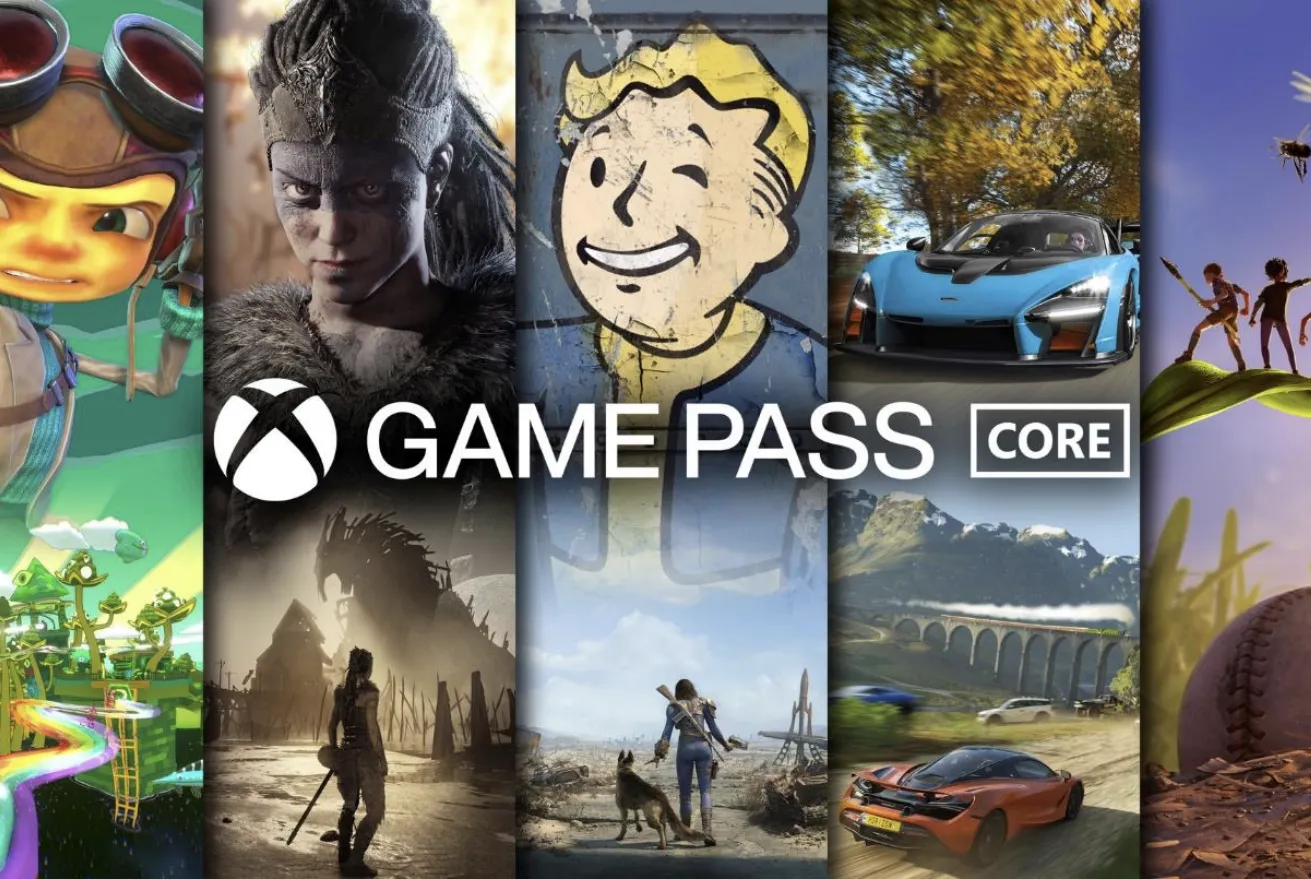
Press the guide button, open a multiplayer lobby, and the console will tell you what it wants: an active subscription. That requirement is the reason Xbox Game Pass Core exists. It replaced Xbox Live Gold, and it carries the same basic job, which is letting you play console games online. What changed is the bonus attached to it. Instead of a monthly drop of Games With Gold titles, Core arrives with a curated library you can play for as long as your membership runs.
The trade-off is right there in the tier itself. Core is the small, cheap entry point. The catalog is compact next to the bigger Game Pass plans, and that is either fine or a dealbreaker depending on how you play. Below is how the tier works, what the library actually looks like, and how to decide whether it deserves a spot in your budget.
What Xbox Game Pass Core Includes
Core is a bundle of two things: the online play permission and a set of games. Coverage of the tier consistently describes it as the successor to Xbox Live Gold, and the library is framed as an updated version of Games With Gold rather than a replacement for the full Game Pass catalog.
-
Online console multiplayer access, the same benefit that used to come with Xbox Live Gold
-
A curated library of games, described in retailer listings as roughly 50 titles
-
A standing selection rather than a rolling monthly giveaway
-
A price point that sits below the larger Game Pass plans
That second point is where most of the confusion lives. People hear "Game Pass" and picture a giant rotating catalog with new releases arriving every month. Core is not that. It is a fixed, hand-picked set that leans on well-known console titles, and it stays smaller by design so the tier can stay affordable.
Is Core Just Xbox Live Gold With a New Label?
In practice, yes, for the part most players care about. If you want to get back into online Call of Duty or some other multiplayer console game, Core is the tier that unlocks it, and it is the direct successor to Gold.
The difference is in the extras. Gold handed out a couple of games each month, and over time that model aged poorly as the value of those drops shrank. Core replaces it with a curated set you can browse up front. You know what you are getting on day one rather than waiting to see what shows up next month. Whether that is better depends on whether you actually played the monthly games or just redeemed them and forgot.
Who Core Fits Well
The tier makes the most sense for players with a narrow, steady rotation. Someone who plays a couple of online shooters and one racing game does not need a sprawling catalog, and paying for one is wasted money. The same goes for players who buy the single-player games they want and only need a subscription to keep their multiplayer nights alive.
It also suits anyone returning to Xbox after a long break. The library doubles as a sampler, giving you a handful of recognizable titles to test while you rebuild your friends list and figure out what you missed. And because the annual rate is a single upfront cost, it is easy to budget for compared with a monthly charge that quietly renews.
Who Should Look at a Bigger Tier Instead
If you want a large, frequently changing catalog, Core will feel like a teaser. Coverage of the Game Pass lineup routinely frames the higher tiers, including Ultimate and the console and PC plans, as the ones built around breadth. Players who like trying new arrivals every month, or who bounce between many genres, get more from those plans even at a higher price.
The math flips quickly. A single full-price game can cost more than a year of Core, so if the bigger plan gets you two or three titles you would otherwise buy, it often wins on value. Core wins when you know you will not use the extra catalog.
The Name Has Shifted, So Verify Before You Buy
Naming is the most unstable part of this story. Recent game lists and store listings refer to the tier as Xbox Game Pass Essential, noting that it was formerly called Core. Prepaid card listings use similar language, describing a twelve month key that covers online console multiplayer plus a curated library.
That leaves a few practical questions worth checking directly with Xbox rather than trusting a reseller page. Whether Core is still sold under that name in your region, what a six month card costs if one is offered, and which games are in the library today are all details that shift. The official store page and the in-console subscription screen are the sources that matter, because they reflect your account, your region, and current availability.
Tracking What You Actually Play From Core
A small library is easy to lose track of once you add your own purchases on top. That is the case for a collection tracker: log the games you are playing from the subscription alongside the ones you own, mark status as playing, beaten, or want to play, and rate them as you go. When renewal comes around, you can look back and see whether the tier earned its keep or whether most of your hours went into games you already bought.
Importing your Xbox library gives you a single view instead of scrolling through the console's installed list, and a Game Pass catalog browser helps you spot what is available before you decide on a plan. The point is not to turn gaming into paperwork. It is to make the subscription decision obvious the next time it comes up.
A Short Checklist Before You Subscribe
-
Open the current library list and count the games you would start this month.
-
Confirm the current monthly and annual price on the official Xbox store page.
-
Check whether the tier is listed as Core or Essential in your region.
-
Decide whether you are paying for online play alone or for the games as well.
-
Compare the annual cost against the bigger plans if you expect to want more variety.
Do that much and the decision stops being abstract. Core is a simple product once you strip away the naming changes: online play, a modest curated library, and a price that undercuts everything above it. For plenty of players that is exactly enough, and for plenty of others the extra few dollars a month is the better spend. Either way, knowing which group you are in is the only part that matters.
Frequently Asked Questions
Does Xbox Game Pass Core include online multiplayer?
Yes. Online console multiplayer is the headline benefit of the tier and the reason it exists as the successor to Xbox Live Gold. If you want to join matches in games like Call of Duty, this is the subscription that covers it. The curated library of games is included on top of that access, not instead of it.
Is Xbox Game Pass Core the same as Xbox Live Gold?
Functionally, it fills the same role. Core replaced Gold and carries the online play benefit forward, so players treat it as the new Live. The difference is the extras. Gold's monthly game drops gave way to a standing curated library of roughly 50 titles that you can browse and plan around from the start of your membership.
How much does Xbox Game Pass Core cost?
Reporting from July 2023 put it at $10 per month or $60 per year, with regular Xbox Game Pass around $11 per month. Pricing and regional availability change, and prepaid card offers vary by retailer, so confirm the current rate on the official Xbox store page before buying a year.
How many games are in the Xbox Game Pass Core library?
Retail listings describe a curated library of around 50 titles, though the exact lineup changes as games are added and removed. The tier is deliberately smaller than the higher Game Pass plans, so treat the number as a rough size rather than a fixed promise and check the live list before subscribing.
Is Xbox Game Pass Core still available?
The tier is still being sold, but recent game lists and store listings refer to it as Xbox Game Pass Essential, noting the Core name as the former label. Because the branding has shifted, verify how the subscription appears on your region's Xbox store before assuming a specific name or card type.